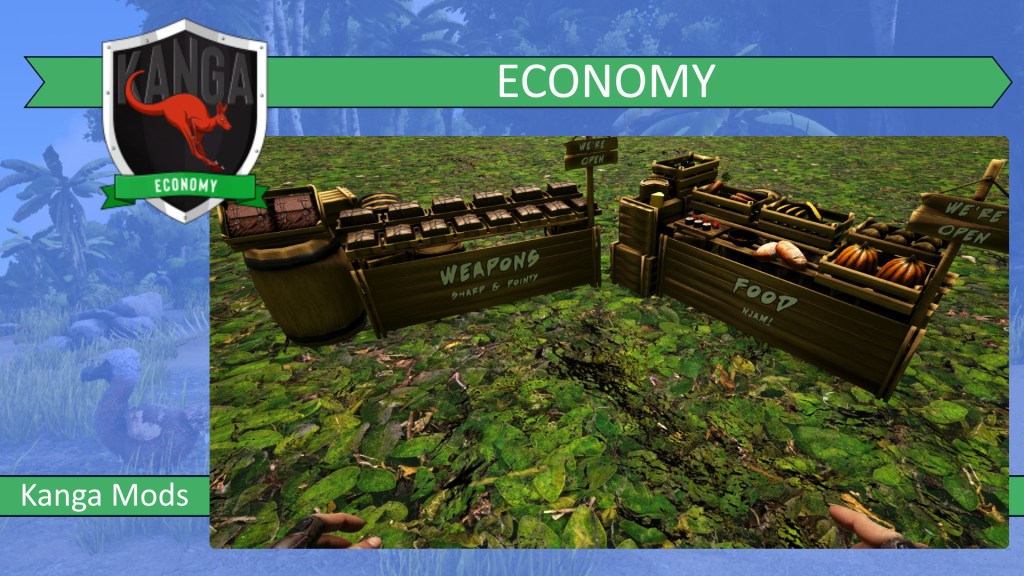
The Kanga Economy mod aims to add a player-driven economy to your game. It has everything you need to build a functional market.
Features and detailed information
Sell your wares to other players with the Kanga Economy mod! Set up a functional market and keep track of your wares.
The Kanga Economy mod adds its own currency system. You will trade with copper, silver and gold coins. Coins can be earned through levelling up, trading and sometimes by killing dinos.
- 1 silver = 10 copper
- 1 gold = 10 silver
The trade stall is your shop front. Here players can browse your wares. You don’t have to be online to complete a transaction.
Make sure your trade stall has a sales register snapped to it. The basic sales registers (generic, blacksmith, medical) will hold anything. The preservering register is for consumables specifically. Don’t forget to put sparkpowder in your preservering register, to make your wares last as long as possible.The culinary register is for all your food sales, and therefore has no spoil timers. It can be remotely attached to dinner settings, so that customers can buy their meals directly from the table. All registers have their own unique display.
With the sales ledger you can keep track of your sales. You can look at in your inventory anytime. It will display all sales from that particular trade stall, giving you a clear view on what items you sold, how many you sold and how much money you made.
Want to buy something that is not for sale (yet)? Leave a note for the vendor in the tradestall!
How to set up your wares for sale correctly
Put the item you want to sell in the sales register. Craft a blank sales ticket and drag it over the item. The sales ticket now says “unset“. If you click on it, you can set the price. Once the price is set, the ticket changes to “sale“. The item now shows up in the trade stall, where it will also mention how many items of that type are available. Make sure to put some coins for change into the register. Don’t forget to put a catchy name on your trade stall through the radial menu!
The ticket can be set either as a “Type” or as an “Item”. If you set it as an item, you can price items individually (e.g. 2 bows with different quality). You can also set the ticket where it will be removed automatically after the transaction is complete. If you set the ticket as a “type”, it will change to “sold” when your store’s stock has run out.
For animal sales, you need to make the dino consume a blank sales ticket. The dino will now have a unique sales number on him. Place the ticket back into your sales register and set it up as described above. If you change your mind, you can remove the dino from sale through the radial menu on the dino.
The admin sales tickets work differently. The items are spawned upon sale, so you don’t have to manually restock your admin trade stall. There are also no spoil timers for admin sales.
Trading
To set up a trading system between 2 items (e.g. trade coins for wood), drag a blank sales ticket over the item you want to trade (e.g. coins). The ticket now shows “unset”. Now drag the unset ticket over the other item (e.g. wood). The sales ticket changes into “trade” ticket. Set the price on the trade ticket as described above.
Leasing stalls
Once you set down your trade stall place the lease holder where the sales register normally goes. Craft a blank sales ticket and hit e. The trade stall is now displayed as up for lease. Place the sales ticket in your trade stall where you want to set the lease price. Once purchased the lease holder becomes their property. They can remove it and place their own sales register on it. They will however not be able to pick it up, move it or destroy it.
Room renting
You can set up rooms for rent by leasing the door of the room. When leased, everything inside the room becomes part of the rent (beds, boxes, tables, …). The rent expires after a set amount of time. Players can place extra coins in the inventory of the door to extend the lease.
NPC purchases
When this ini setting is turned on, invisible npc’s will randomly buy items from trade stalls all over the map. They will only buy items that were set with autopricing a within a certain price range. This will boost the economy of your server.
Item list
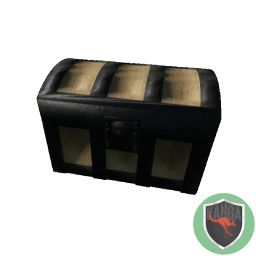
Basic sales register
. craft in: inventory

Blacksmith register
. craft in: merchant workbench
. custom display
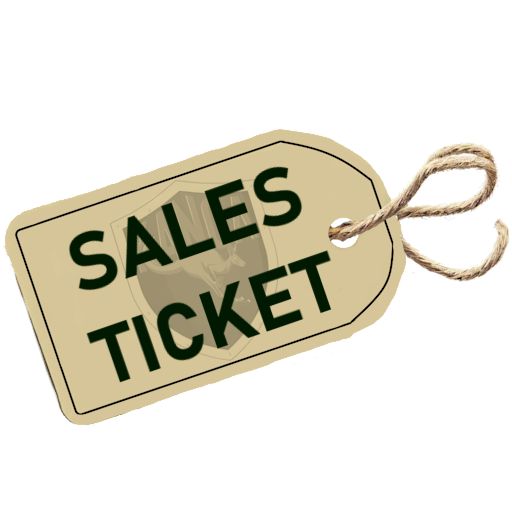
Blank Sales ticket
. craft in: sales register
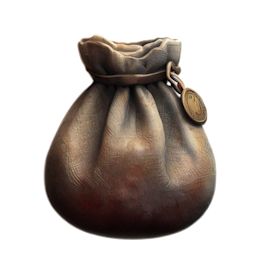
Coin pouch
. crafted in: merchant workbench
. use: can hold 600 coins
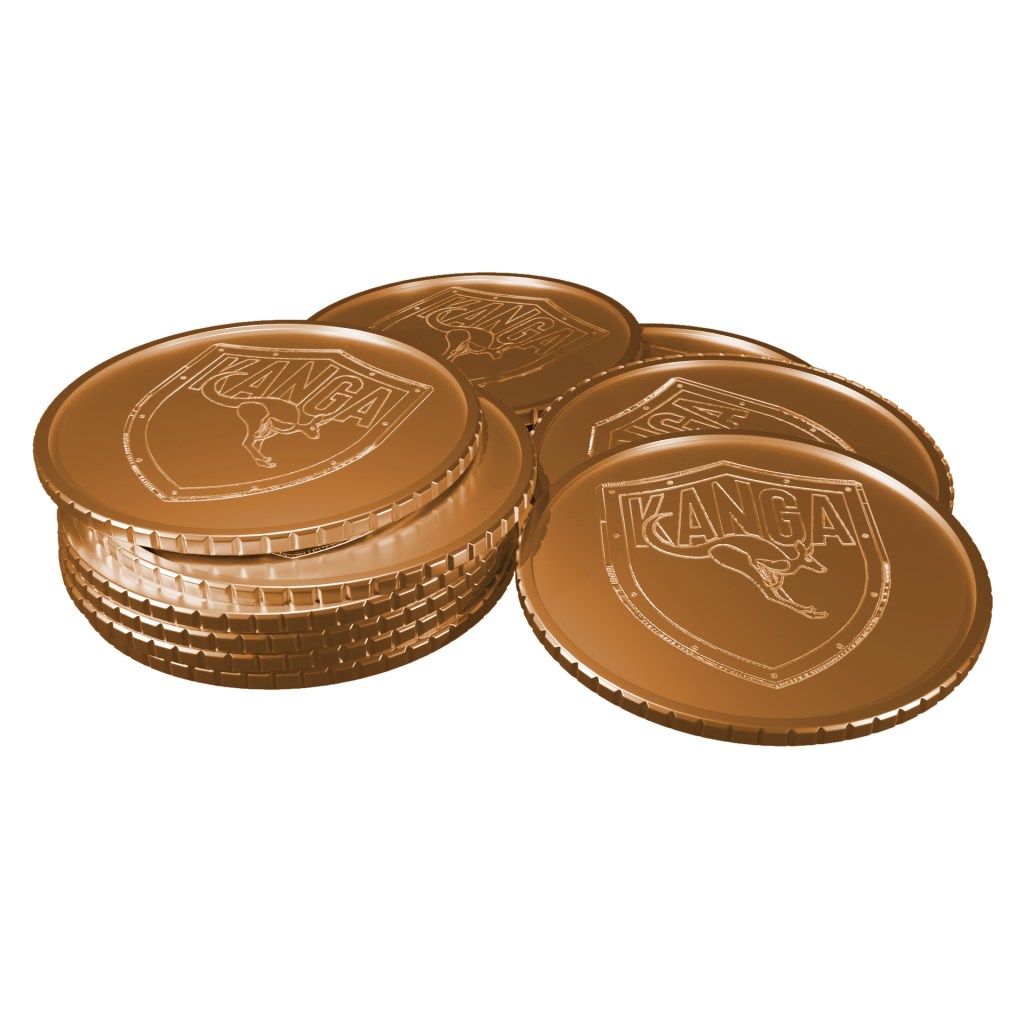
Copper coins
. earned through levelling, trade or killing dinos
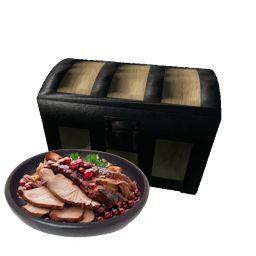
Culinary register
. craft in: merchant workbench
. no spoil timers
. can be connected with dinner settings
. custom display

Fancy coin pouch
. craft in: merchant workbench
. use: can hold 2400 coins
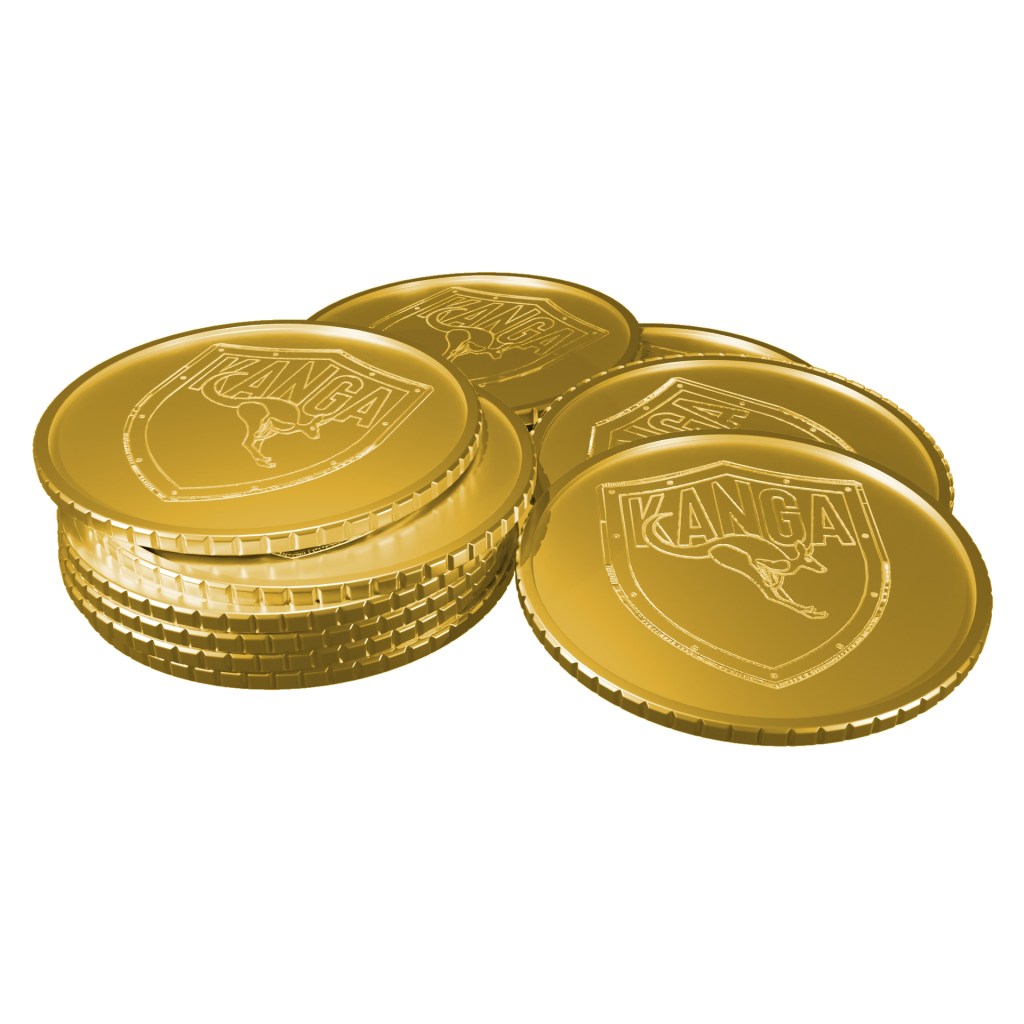
Gold coins
. earned through levelling, trade or killing dinos
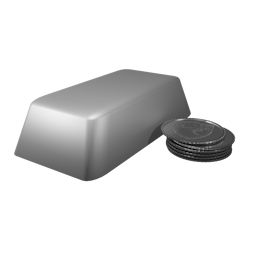
Ingot coins
. craft in: merchant workbench
. higher value currency

Lease door
. craft in: merchant workbench
. use: set up rooms for rent
. vanilla and CKFR version available
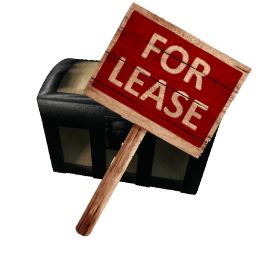
Lease holder
. craft in: inventory, merchant workbench
. use: lease trade stalls to other players
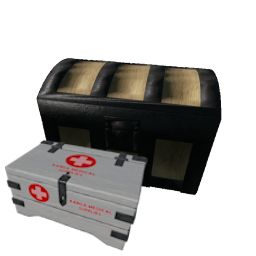
Medical register
. craft in: merchant workbench
. custom display
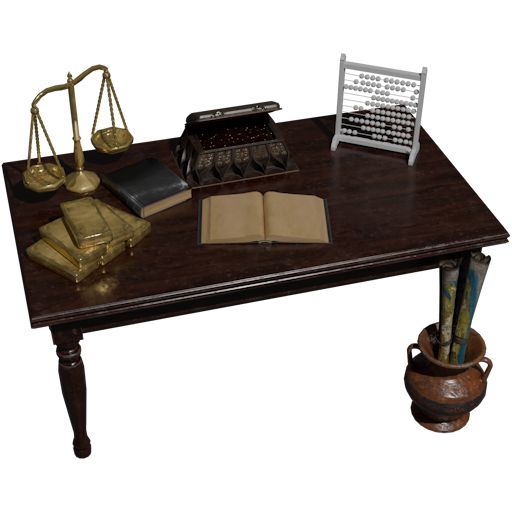
Merchant workbench
. craft in: inventory
. crafts: all things economy
Note delivered
. craft as a note in inventory
. use in trade stall to send a message to the vendor
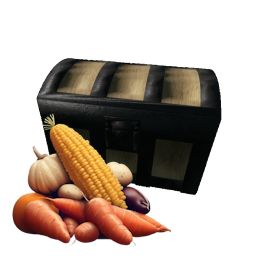
Preserving register
. craft in: merchant workbench
. needs sparking powder to activate the preserving function

Sales ledger
. craft in: sales register

Shop counter
. craft in: inventory
. can hold more items than the basic trade stall
. indoor only
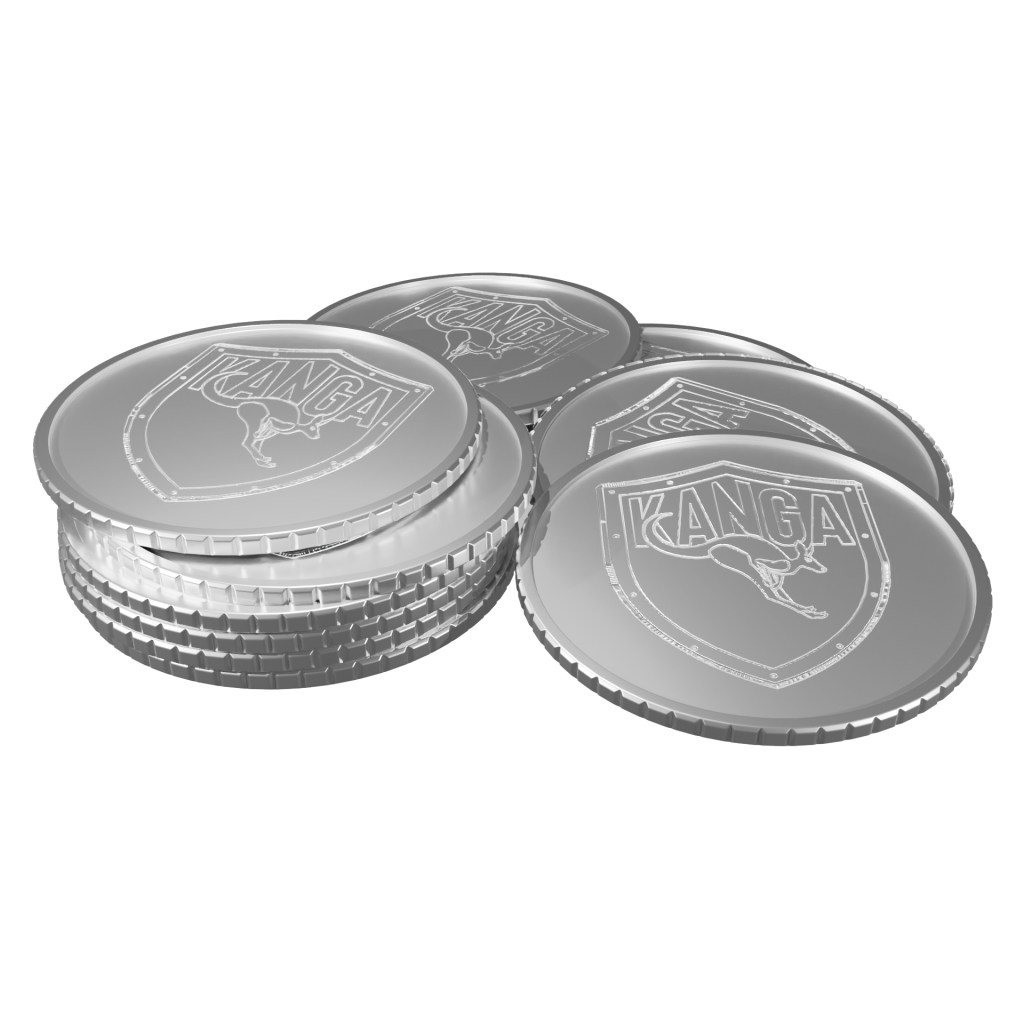
Silver coins
. earned through levelling, trade or killing dinos

Trade Canopy
. craft in: merchant workbench
. use: attach to a trade stall to increase spoil timer with 50%
. paintable
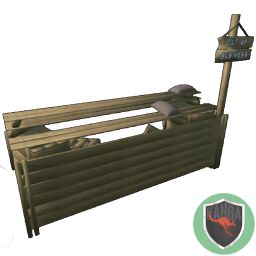
Trade stall
. craft in: inventory
Information for server admins
Mod ID: 2028324463
https://steamcommunity.com/sharedfiles/filedetails/?id=2028324463
The Kanga Core Library Mod is a prerequisite for all Kanga Mods and needs to be first in the load order of all Kanga Mods.
 Kanga mods - Ark Survival Evolved